
Escape the Backrooms: Find Your Next Exit
Stuck at a door, lost in a corridor, or unsure what is chasing you? Find your level, then check the map, puzzle clue, or entity response for that part of the run.
Pick Up Where You Got Stuck
Match the room to a guide, check the current objective, and find the next step.
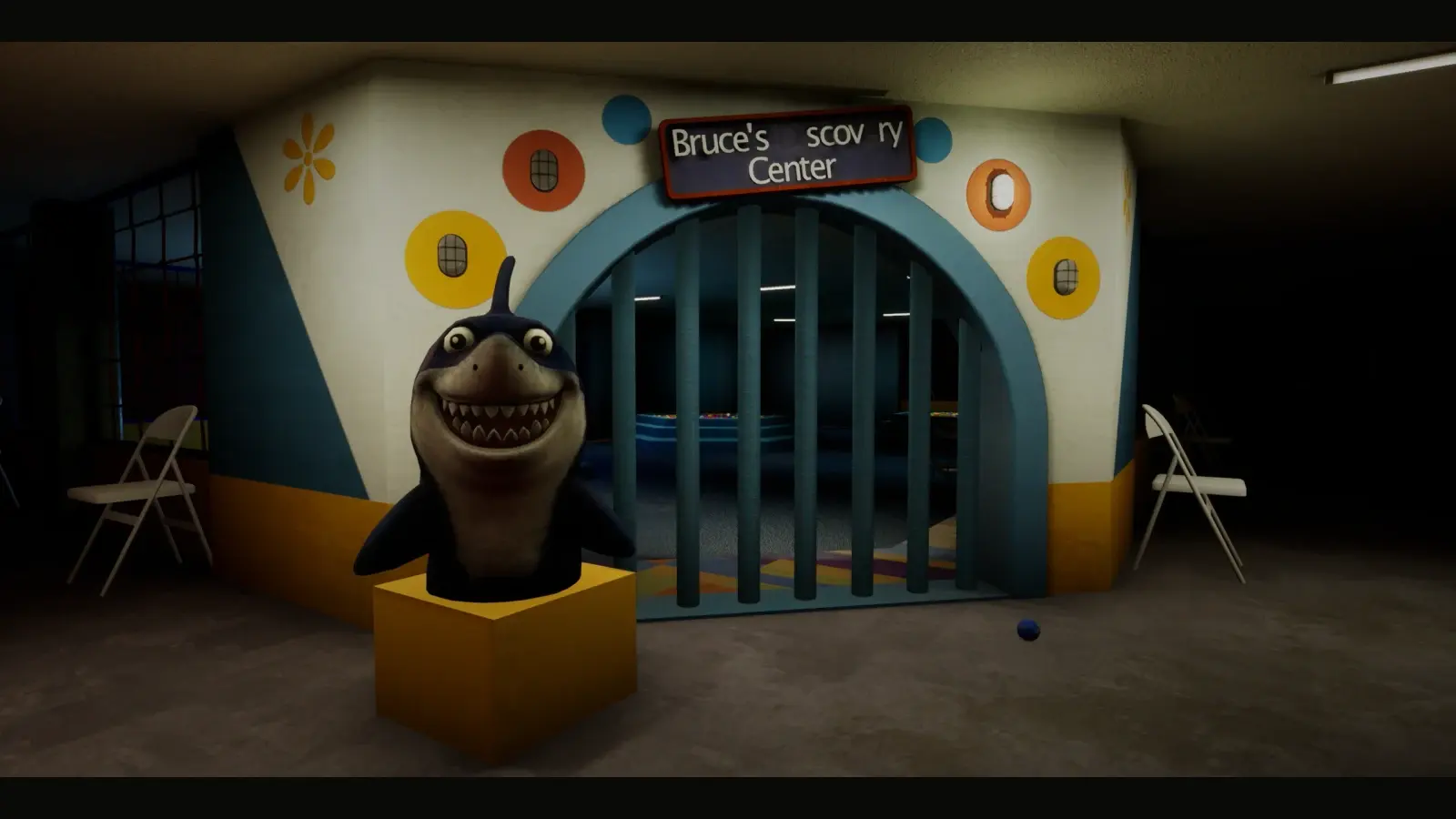
Escape the Backrooms Level 421 Guide: Plastic Mariana
Work through the numbered-container and flower puzzles in Level 421, then activate four lighthouses and score in all four hoops to finish the route. If the opening keypad refuses your answer, rebuild the colors in container-number order and check the mixed pair instead of copying the video sequence.
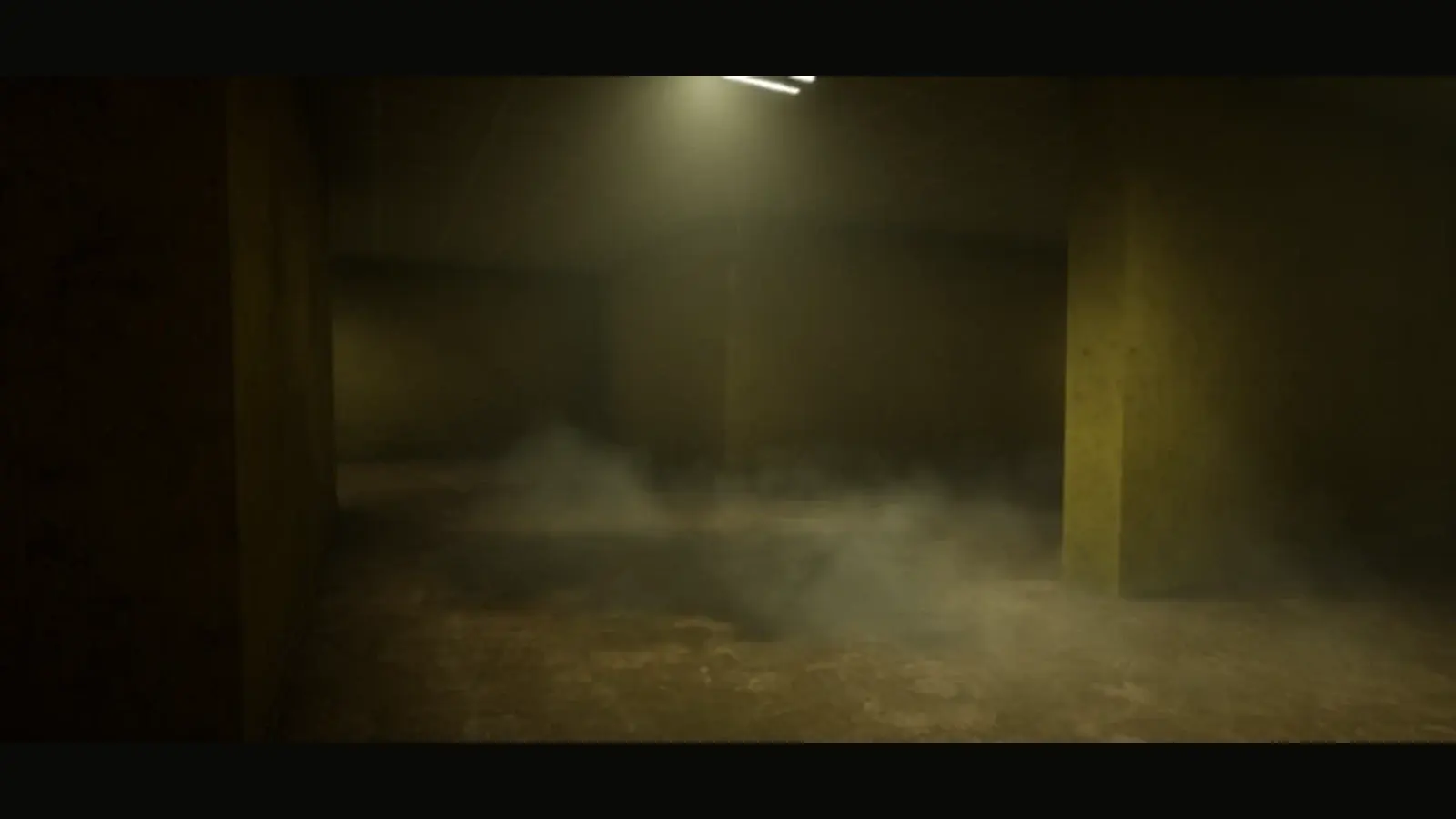
Escape the Backrooms Level 0.11 Guide: Water Damage
Prepare the chainsaw route, follow the painted arrows through Water Damage, and locate all four levers before starting the shutter attempt. If the gate closes too soon, recheck the lever rooms and coordinate the next pull; the courtyard code 415314 is only useful after everyone reaches the far side.
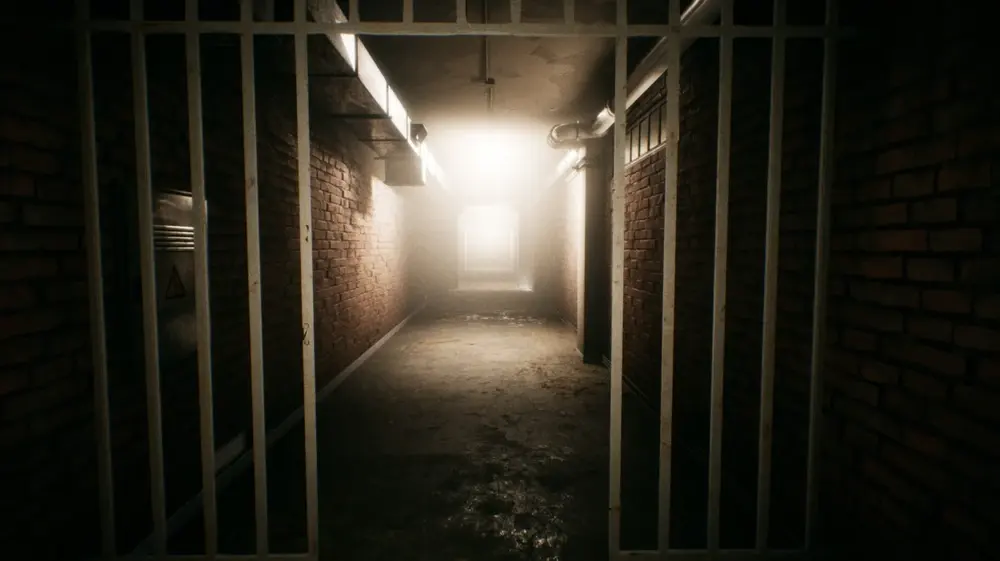
Escape the Backrooms: Level 3
Use the nine lights at the Electrical Station entrance to track your breaker search, clearing each group of three before entering the next area. If a Hound blocks a switch, choose a retreat door before using the flashlight, and keep your escape path clear of electrified puddles.
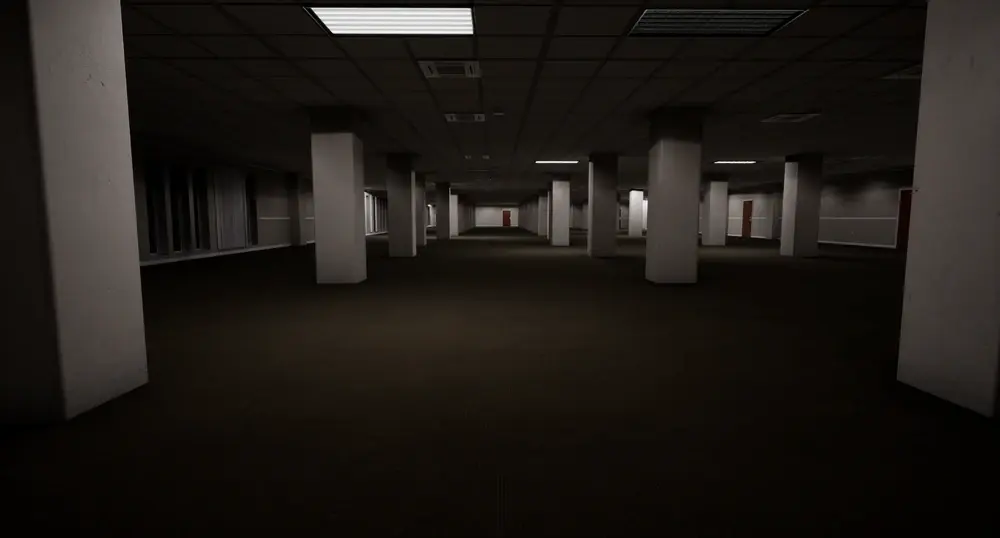
Escape the Backrooms: Level 4
Read each vending-machine symbol and count the matching objects in the office, then work through the camera section toward the exit. A red camera means the route needs resetting: return to the reset control before trying again, rather than leaving the group waiting at the locked door.
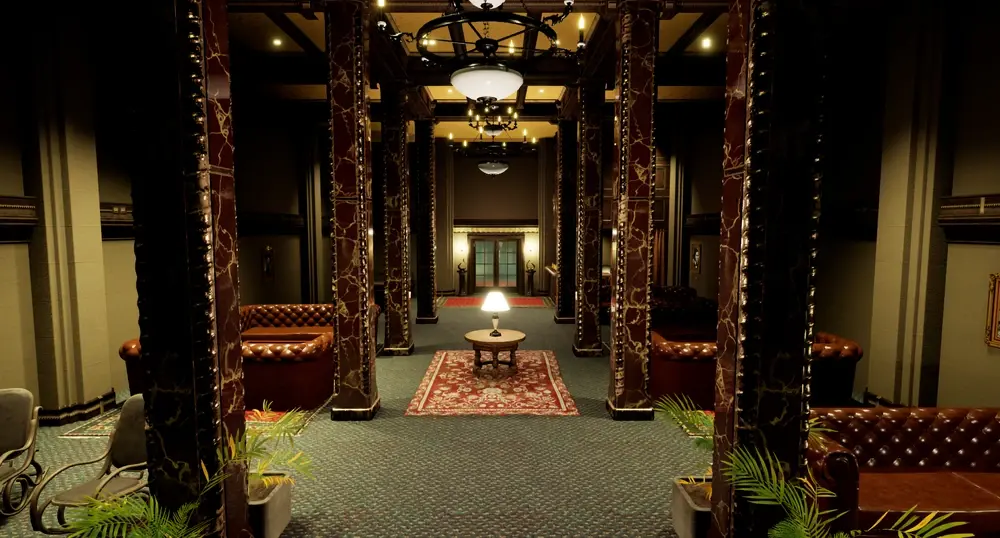
Escape the Backrooms: Level 5 Terror Hotel
Follow the hotel portraits from youngest to oldest, then collect Moth Jelly to exchange at the service window for the three exit keys. Reserve enough jelly for those trades before consuming any for sanity, and stop trading once you have all three keys because extra jelly earns nothing.
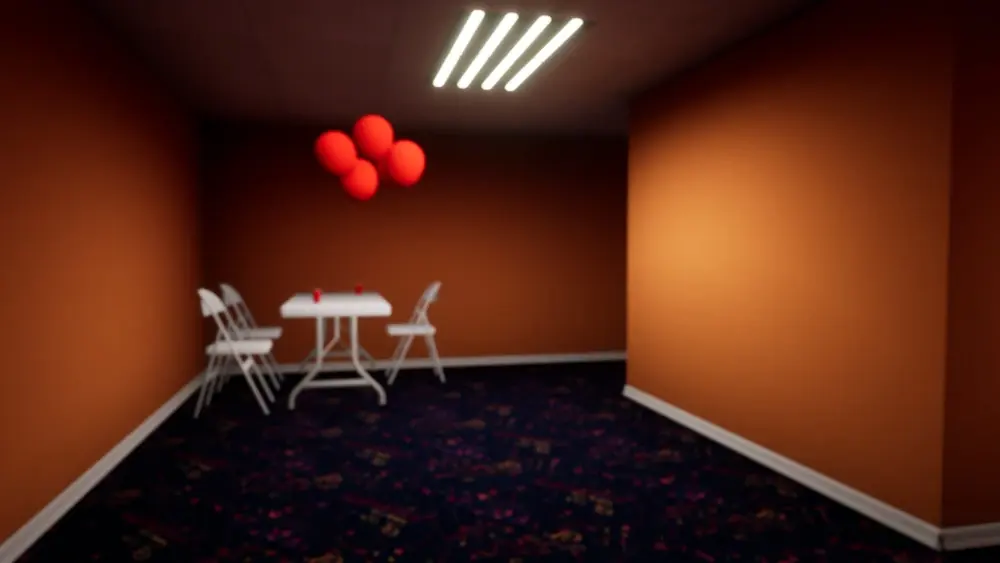
Escape the Backrooms: The Party Rooms
Crouch between cover in the Party Rooms, watch the Partygoer patrols, and work toward the final door and slides into the Poolrooms. If spotted, break line of sight before ducking under a table, then wait for the route to clear before leaving cover.
Turn Landmarks into a Route
Find a familiar doorway or room on the map before choosing your next turn.
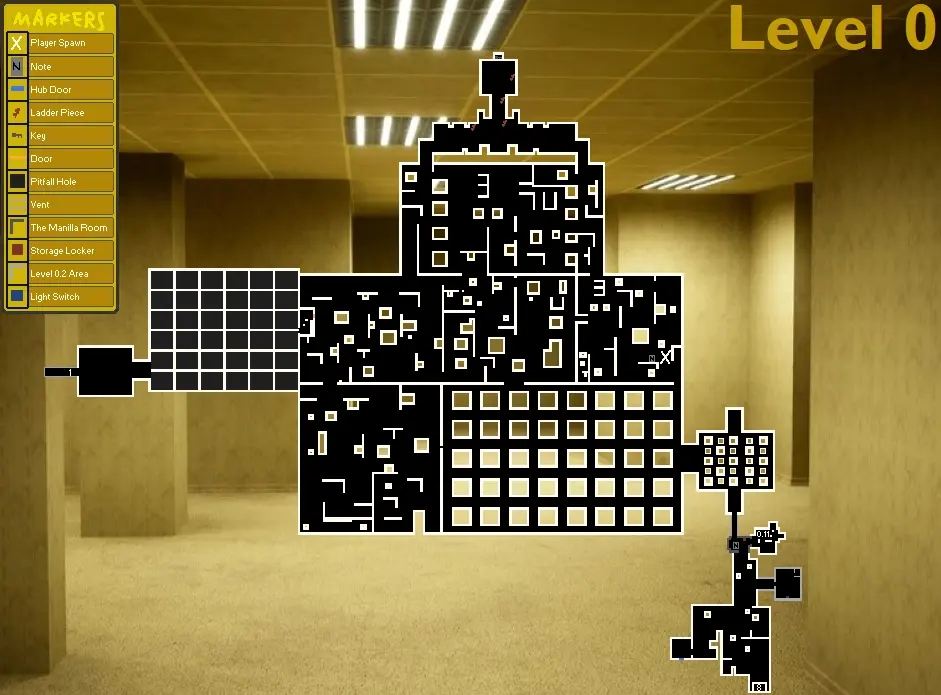
Level 0 Map
Use the ladder, locked door and pitfall area to orient yourself in the yellow maze. This Level 0 map connects the repair-and-key objective with the exits toward Level 1.
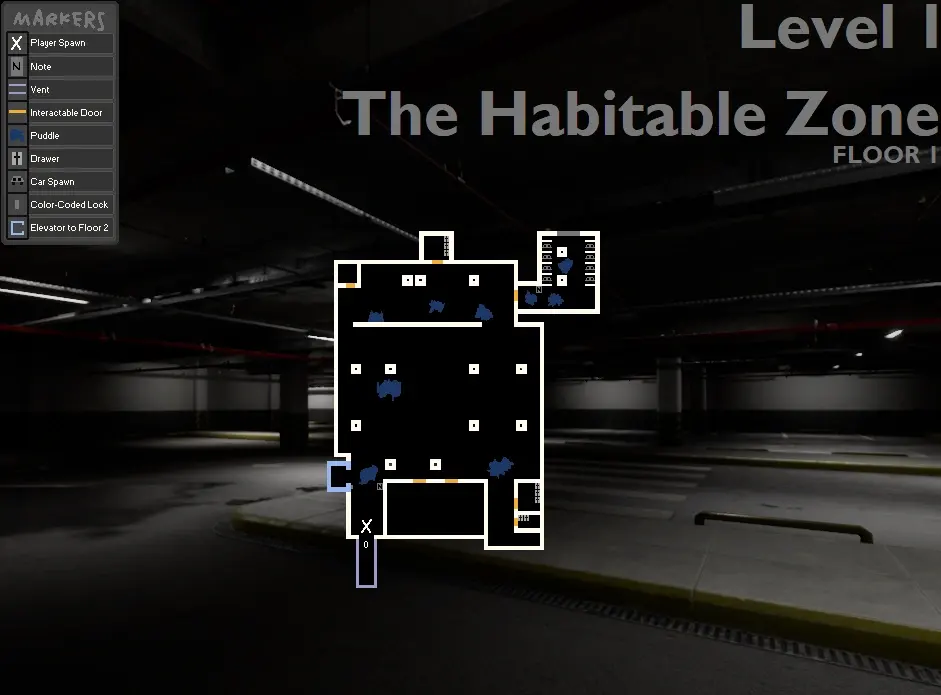
Level 1 Floor 1 Map
Find the car room before heading to the elevator on Level 1 Floor 1. The marked entrance and color-code elevator give your group shared landmarks while you work out the next floor.
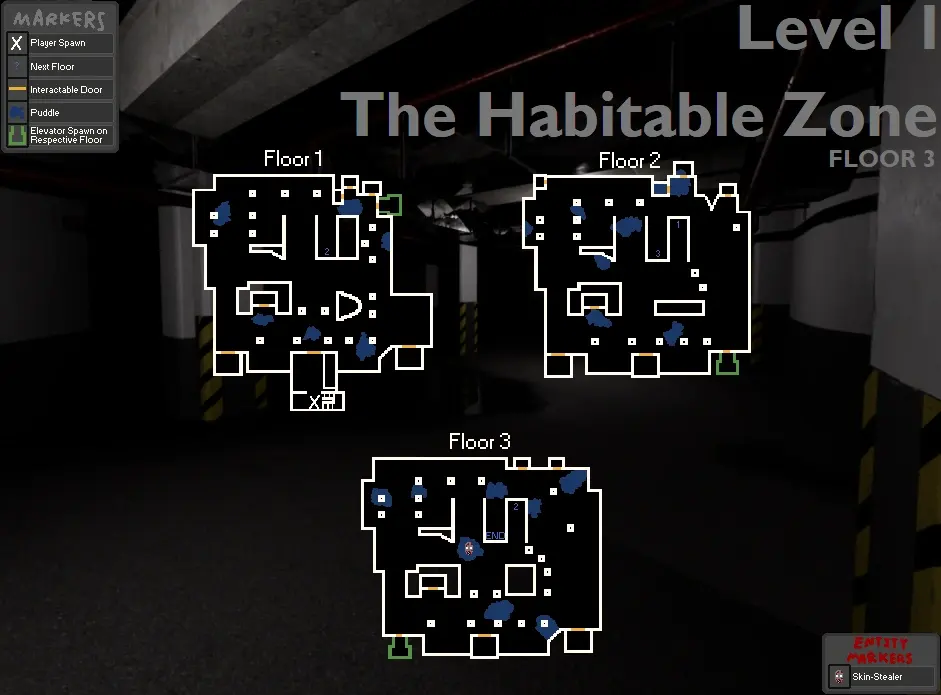
Level 1 Floor 3 Map
Match your position to the darkness entrance, downward ramp or elevator exits on Level 1 Floor 3. These landmarks help you choose a floor connection without repeatedly retracing the same corridors.
Know What to Do When It Appears
Check the warning signs and the response for your level; one tactic will not work on every entity.
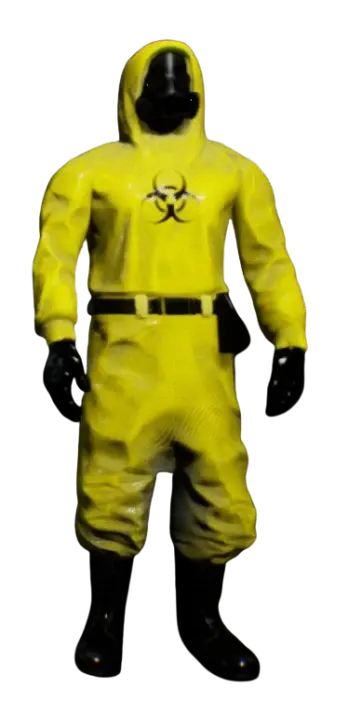
Wanderer
The Wanderer is the player character beneath the hazmat suit, so this entry is a starting point for identifying your group. Compare appearances and keep track of teammates as you explore together.
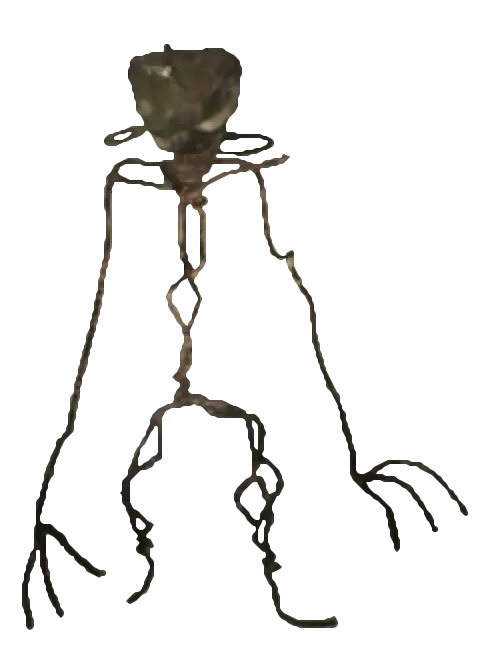
Bacteria
A howl and a wire-like silhouette signal a Bacteria encounter. Check the level-specific escape advice before choosing a route, because putting distance between you and the creature is not enough in every location.

Skin-Stealer
A familiar hazmat suit does not always belong to a teammate: a Skin-Stealer can disguise itself after killing a Wanderer. Confirm who is approaching and check the hiding options for your current level.
The Game and This Guide
A quick reference for the game, supported play modes, and the guides available here.
Game Information
- Developer: Fancy Games
- Publisher: Secret Mode
- Release: v1.0 (Oct 23, 2024)
- Platform: Steam
- Players: 1-4 Co-op
- Genre: Horror Adventure
Game Statistics
- Published Guides: 36 level guides on this site
- Guide Coverage: 29 main-route guides · 7 hidden or optional guides
- Entities: 19 detailed entity guides, with more in progress
- Playtime: 8-12 hours to complete Escape the Backrooms
- Difficulty: Medium to Extreme in Escape the Backrooms
- Endings: Multiple endings in Escape the Backrooms
Gameplay Features
- Linear progression system
- Unique level mechanics
- Entity avoidance gameplay
- Puzzle solving elements
- Cooperative multiplayer
- Immersive horror atmosphere
Keep the Next Step in View
Use the part you need now, with the rest of the route close at hand.
Start with the obstacle in front of you. The level guides put objectives and route notes together, while maps, code solutions, and entity pages answer more specific questions.
A screenshot is a reference, not a promise that your run will look identical. Compare landmarks, read the clues in your own room, and check which step you have already completed before moving on.
Keep the matching map or video chapter nearby when a written step is hard to picture. Related guides connect the route to its encounters and puzzles, so you can check one detail without starting over.
Choose a main-route or optional guide by the area you are in.
Match landmarks first, then trace the path to the next objective.
See which collection or puzzle step comes before a key or exit.
Read the response for that entity in the level you are playing.
Separate reusable passwords from answers generated by local clues.
Return to the last confirmed landmark and check the missing step.
Questions That Come Up Mid-Run
A few checks before another wrong turn or another code attempt.
Where should I start if I do not know which guide I need?
Start with Levels and match the area name or screenshot to your surroundings. If you already know the obstacle, search for the entity, map, or code instead. You can return to the linked walkthrough for the route around it.
Does the guide count equal the number of levels in the game?
No. This site has 36 public level guides: 29 main-route guides and 7 hidden or optional guides. Some sections are documented separately, so this is a count of useful guide pages, not an official count of game levels.
How should I use a map when my run looks different?
Find a recognizable room, junction, or doorway first. Use that landmark to orient the map, then read its notes about the objective. Marked item locations can be search references; do not assume every item will appear exactly as it did in a screenshot.
What should I check when a key is missing?
Check the matching level guide for the step that unlocks access to the key, then review the collection notes. The Maps & Keys page has separate instructions for Levels 0, 1, and 5; their requirements are not interchangeable.
Why does a code from a video fail in my game?
Some answers are fixed, but others come from the current run. Level 1 car colours and Level 4 object counts must be read locally. In Codes & Solutions, confirm the level and puzzle before deciding whether to copy a password or solve a clue.
Can I use the same escape tactic against every entity?
No. Identify the entity and check its behavior in your current level. Light, sound, doors, and line of sight matter differently across encounters. Entity guides connect recognition signs with a response and link back to the levels where that advice applies.
What if an embedded video shows a different route?
Use the video to recognize the area, then compare its objective and clues with your run. Updates, item placement, or co-op timing can change a step. Skip to the relevant chapter instead of copying an old shortcut that no longer matches the room.
How do I work out where to go after finishing a puzzle?
Check the guide’s remaining objectives and exit notes. A solved puzzle may be one step in the route. The related map can help you retrace the path, and previous/next guide links let you continue once you recognize the next area.
How can we use the guides during co-op?
Agree on the current objective and name a landmark everyone can recognize. Call out what has been collected or activated before splitting up. Read the level’s multiplayer notes, since timing and task coordination can matter as much as knowing the route.
What is a useful first check when I am completely stuck?
Return to the last landmark or objective you can confirm. Check your inventory, the nearby clue, and whether a teammate has already completed part of the task. Then use the matching map, code entry, or video chapter to narrow down the missing step.